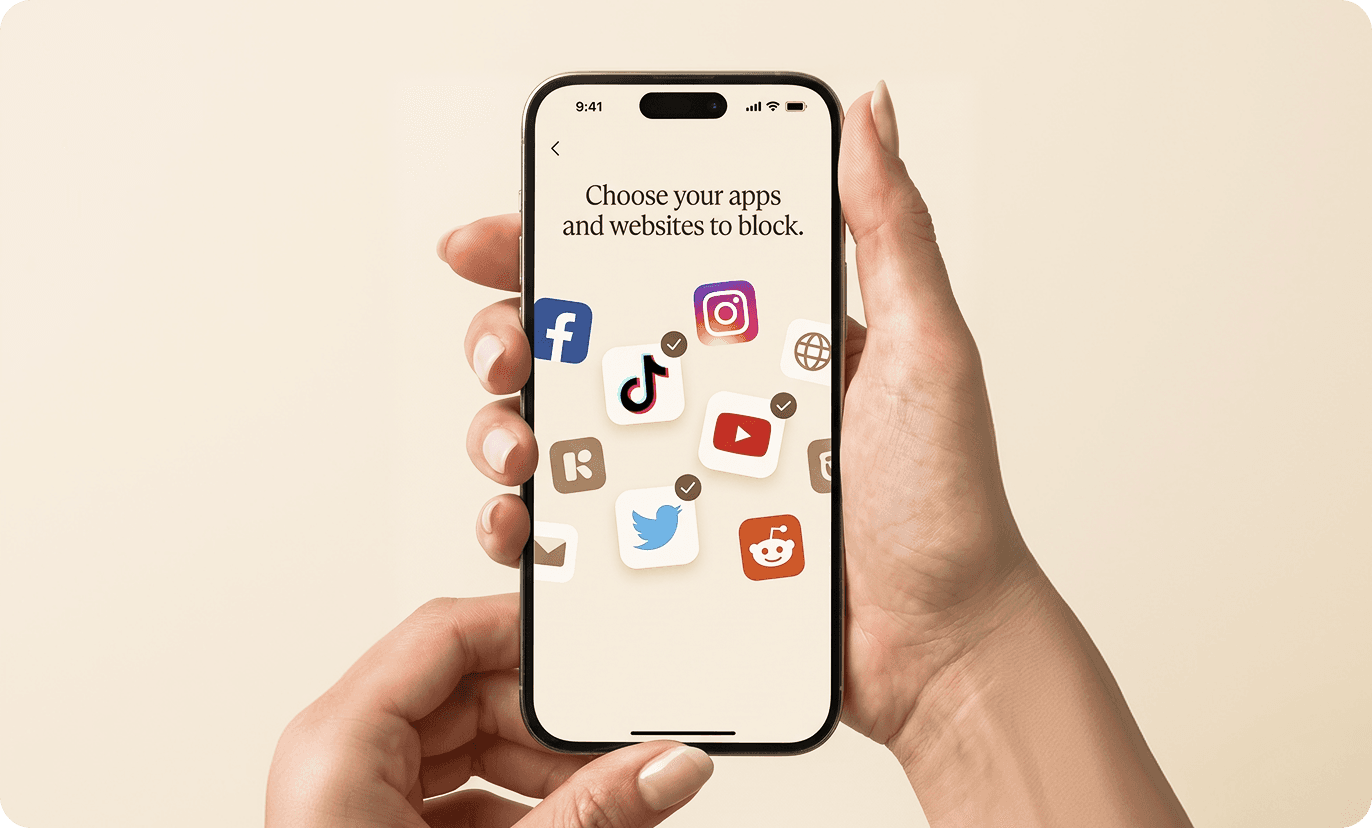
1. Choose apps to block
Open the Friction app and choose which apps or websites you want to block.
You can create different modes for each device. One for deep work. One for evenings. Each with its own set of blocked apps — tap the one that fits the moment.
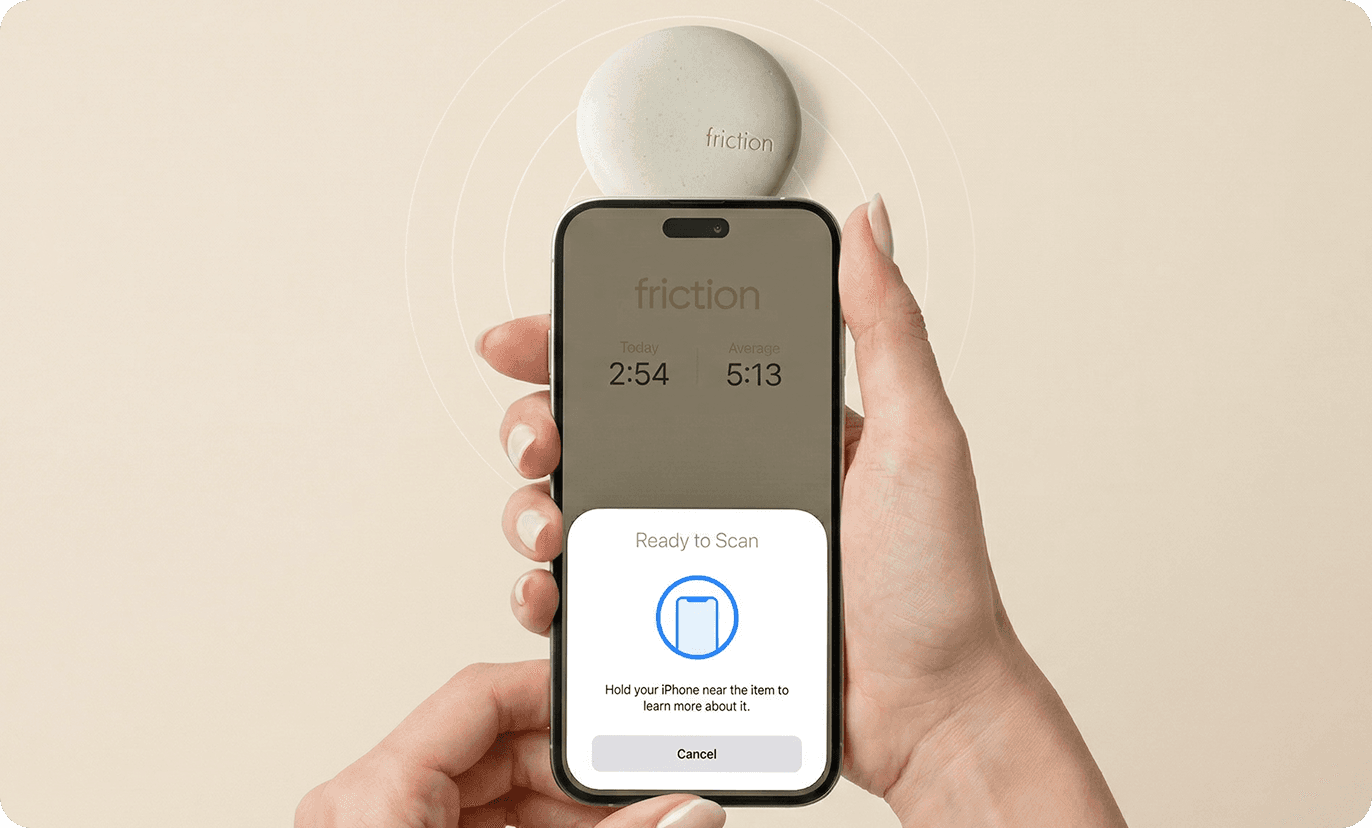
2. Tap your Friction
Tap your phone to Friction to activate it. Your selected apps and websites are blocked instantly. When you're done, tap again to unlock everything.
Need emergency access? You get 5 emergency unlocks that you can activate in the app to regain access.

3. Get your time back
Because Friction is a physical device — not just an app — it creates real friction.
Unblocking your apps means physically returning to it. That walk across the room is enough to make the decision intentional rather than automatic. A few seconds change everything.
Get back hours of your day and spend them where they matter.


